AI RSS AutoPost WordPress Plugin v1.0

AI RSS AutoPost Image

A professional-grade WordPress plugin that automates content creation from RSS feeds using AI processing.

Features
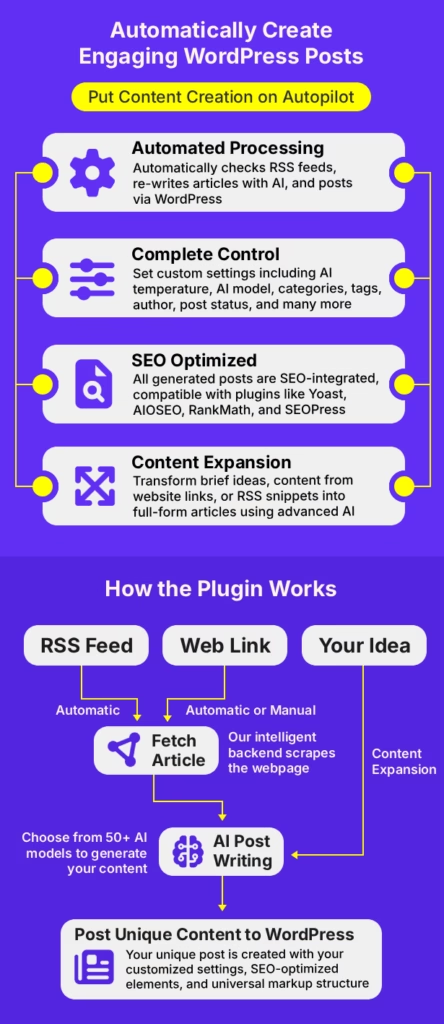
  • Automated RSS Processing: Monitor multiple RSS feeds and automatically rewrite feed content to create WordPress posts.
  • AI-Powered Content Expansion: Transform brief ideas or RSS snippets into full-form articles using advanced AI.
  • Smart SEO Integration: Automatically syncs generated content metadata with AIOSEO, Yoast SEO, Rank Math, and SEOPress.
  • Custom Feed Post Settings: Specify post status, posting user, and categories per feed.
  • Duplicate Prevention: High-performance meta-tracking prevents processing the same content twice.
  • Custom Scheduling: Automated processing via a dedicated custom WP-Cron schedule.
  • Clean OOP Architecture: Professional, maintainable code structure following 2025 standards.

SEO & Third-Party Compatibility

The plugin is built to be “SEO-Aware.” When an article is generated, it automatically communicates with the following plugins to ensure your automated content is search-engine ready:

Yoast SEO: Auto-populates meta descriptions.
Rank Math: Syncs primary keywords and snippets.
AIOSEO: Updates social meta and SEO titles.
SEOPress: Fully compatible with automated content tagging.

Requirements

WordPress 5.8 or higher
– PHP 7.4 or higher
OpenAI API key (for backend)
– Valid SSL certificate (recommended)

Demo Video

Documentation

Click here to view the full documentation
1. Upload the plugin:
– Download all files
– Upload to `/wp-content/plugins/ai-rss-autopost/`
– Ensure proper file structure is maintained

2. Activate the plugin:
– Go to WordPress Admin → Plugins
– Find “AI RSS AutoPost”
– Click “Activate”

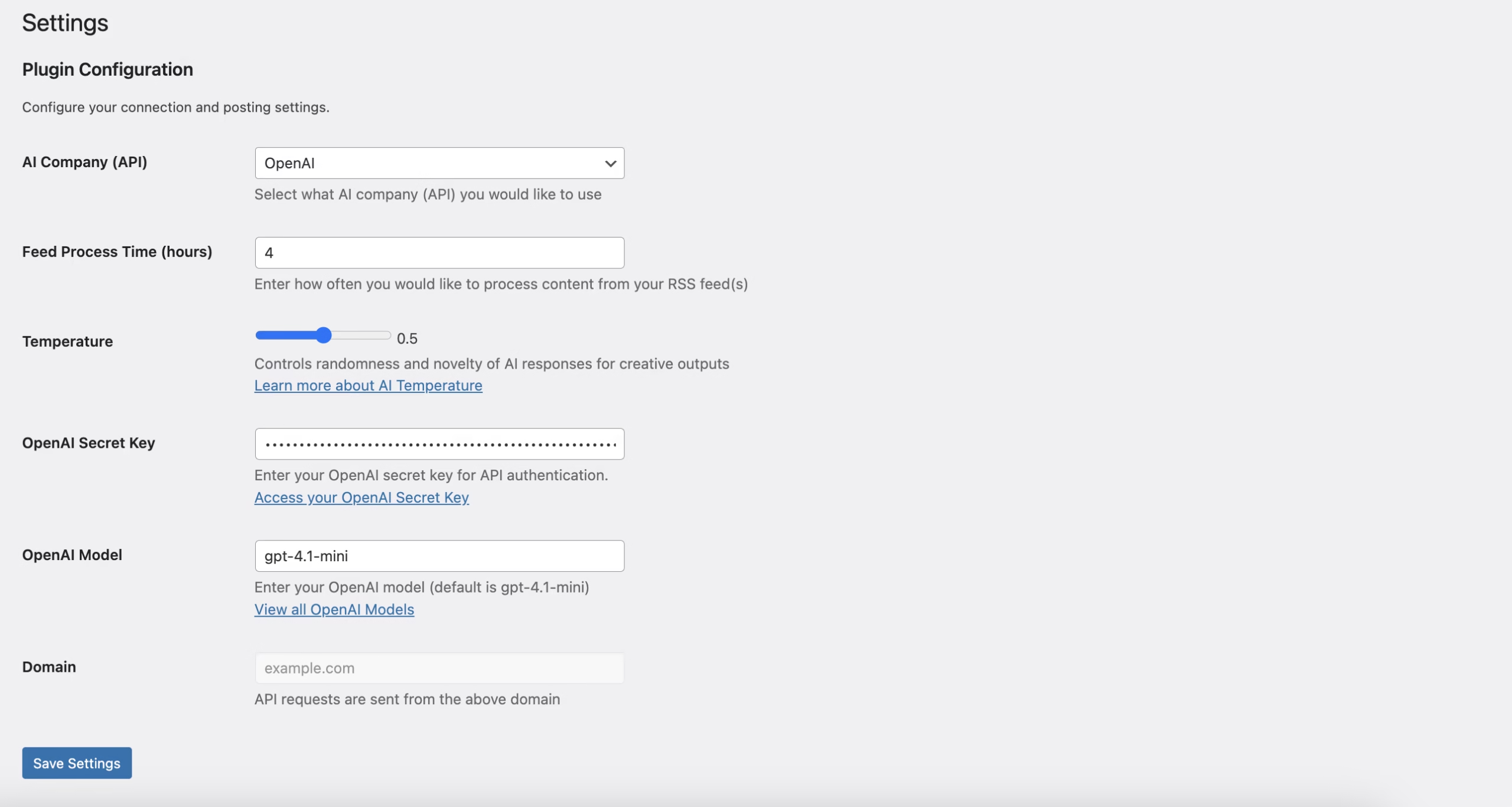
3. Configure settings:
– Navigate to AI RSS AutoPost → Settings
– Specify AI Model Settings
– Enter your AI Secret Key
– Click “Save Settings”

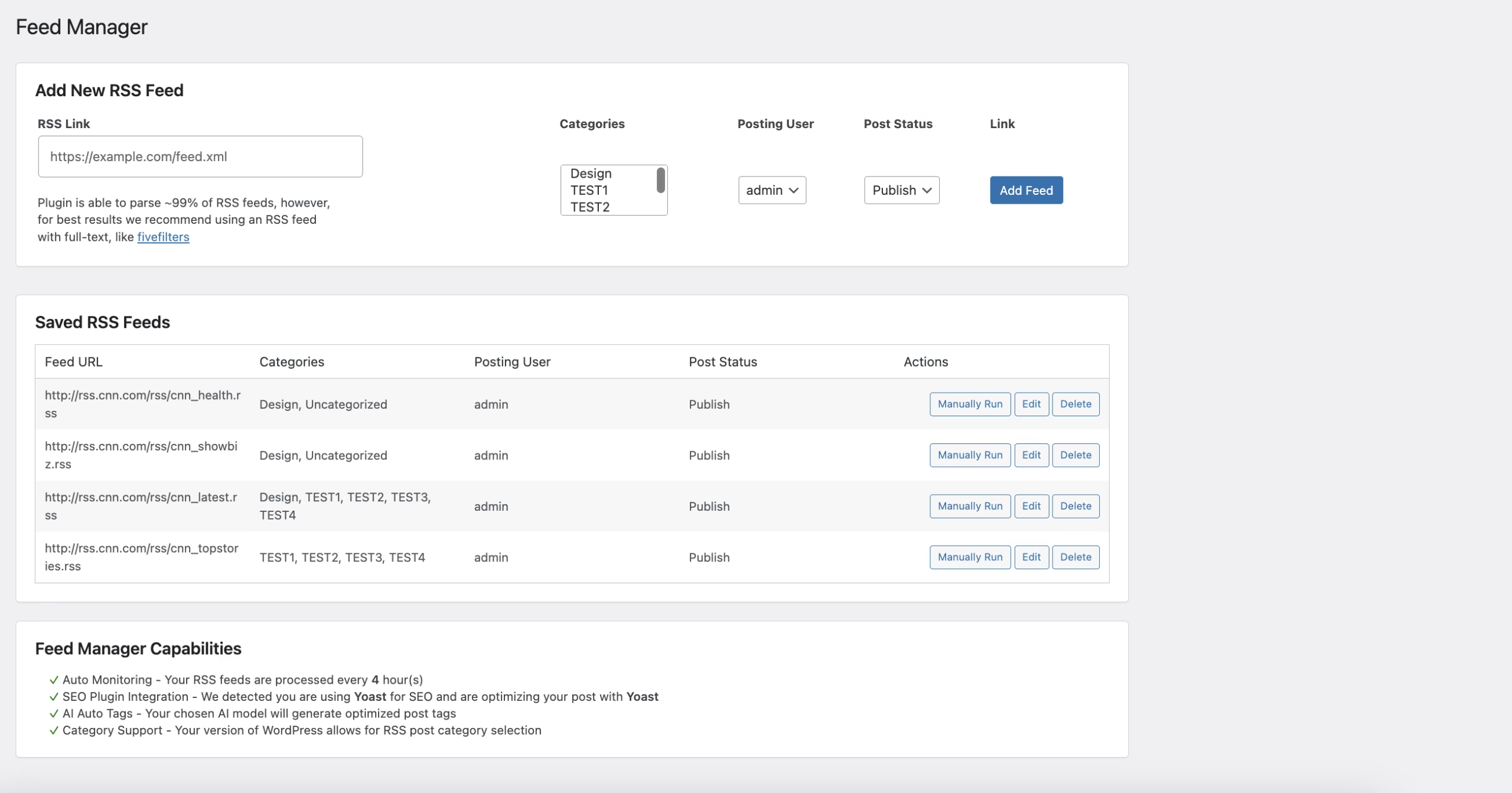
1. Navigate to AI RSS AutoPost → Feed Manager
2. Enter an RSS feed URL
3. Click “Add Feed” with customized settings
4. Manage existing feeds (delete as needed)

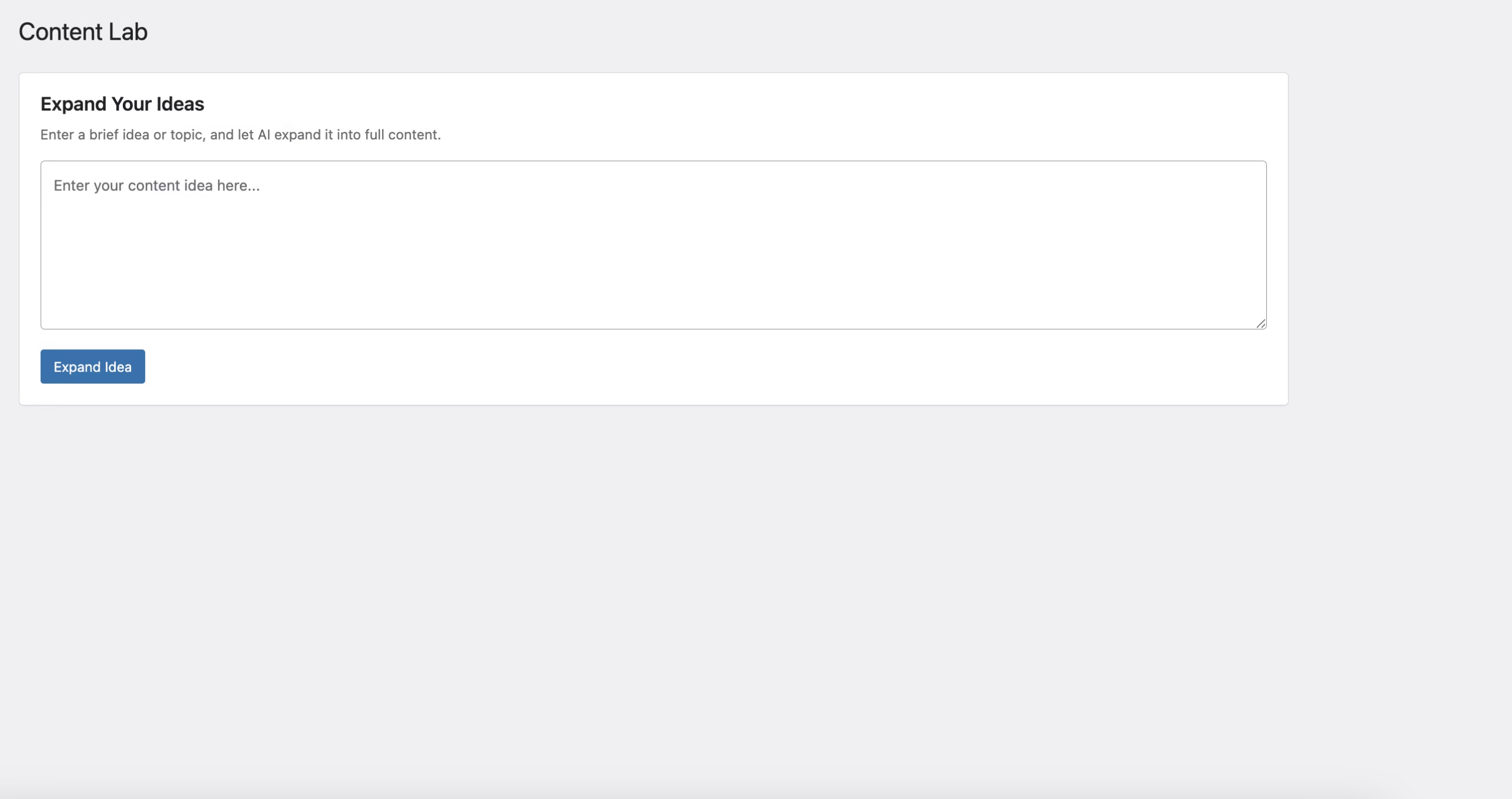
1. Navigate to AI RSS AutoPost → Content Lab
2. Enter a brief idea or topic
3. Click “Expand Idea”
4. Wait for AI processing
5. Copy the expanded content

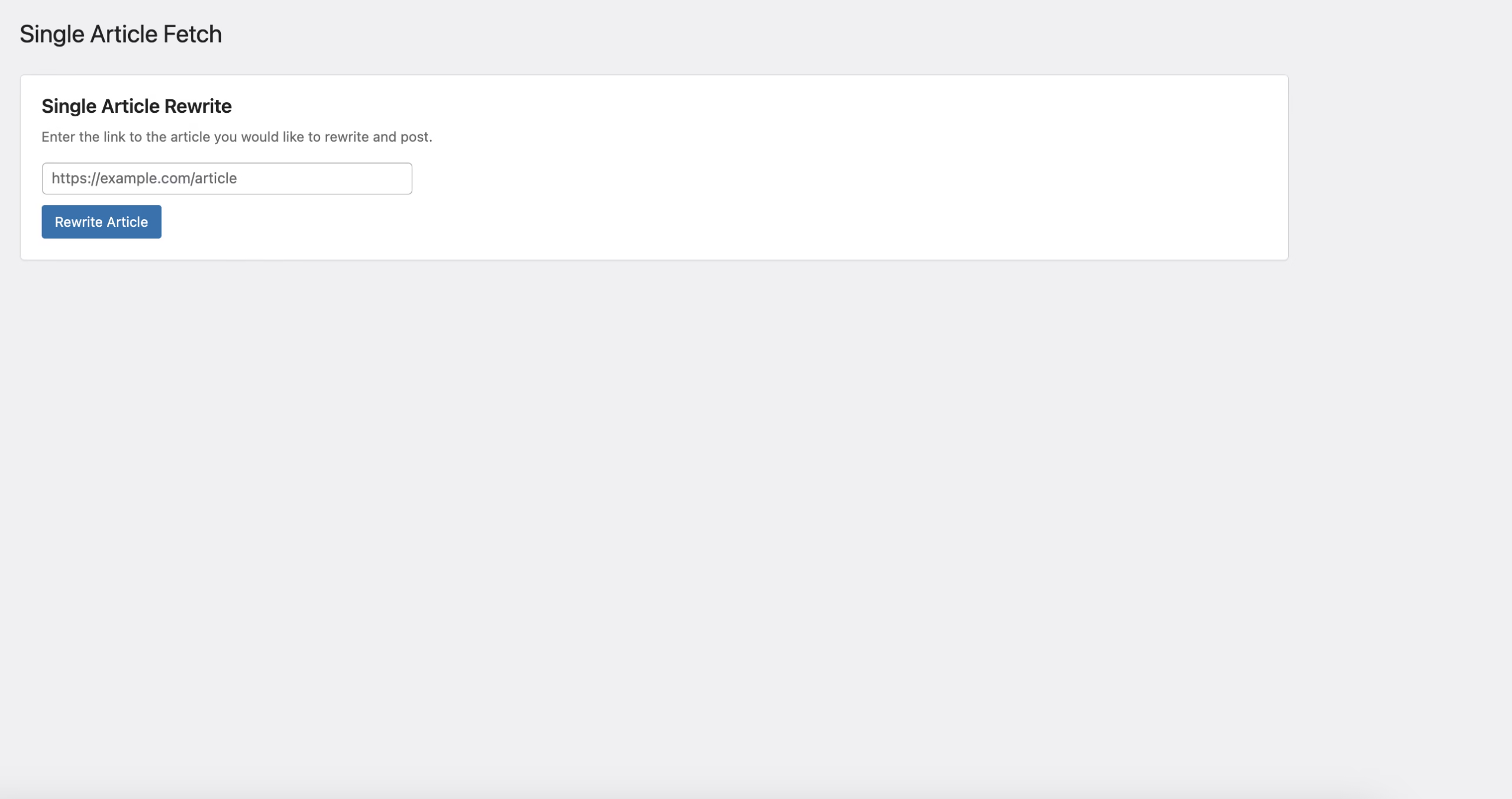
1. Navigate to AI RSS AutoPost → Single Article Fetch
2. Enter the webpage url/article url
3. Click “Fetch”
4. Edit the parsed content
5. Click “Create Draft Post”
6. Click “Expand Idea”
7. Wait for AI processing
8. Click “Create Draft Post”

1. Navigate to AI RSS AutoPost → Settings
2. Modify the “Feed Process Time” setting

1. Navigate to AI RSS AutoPost → Feed Manager
2. Modify the “Post Status” field

1. Navigate to AI RSS AutoPost → Feed Manager
2. Modify the “Posting User” field (please note that posting user must be an administrator)

1. Navigate to AI RSS AutoPost → Feed Manager
2. Modify the “Categories” selector (multiple can be selected at once)

Preview Screenshots

Plugin Privacy and Terms